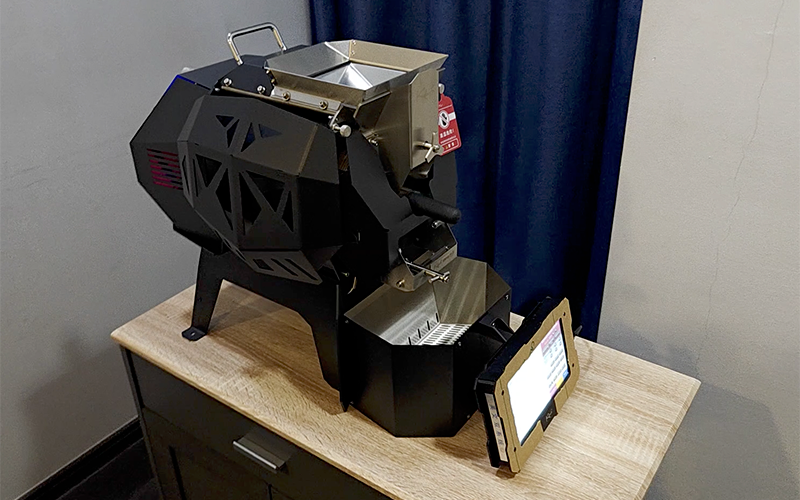
Since I came back from Bangkok, the Kaleido M6 has been my main roaster. I didn’t choose it only for the specs. The design caught my eye first. It looks different from the usual home roasters, and I liked that it feels like a machine built to be looked at while it works.
Control was the other big draw. You can run it from the included tablet or from Artisan on a computer. I like having both. The tablet is quick for a simple session, and Artisan gives me the detailed curves and logging I need when I’m building a profile.
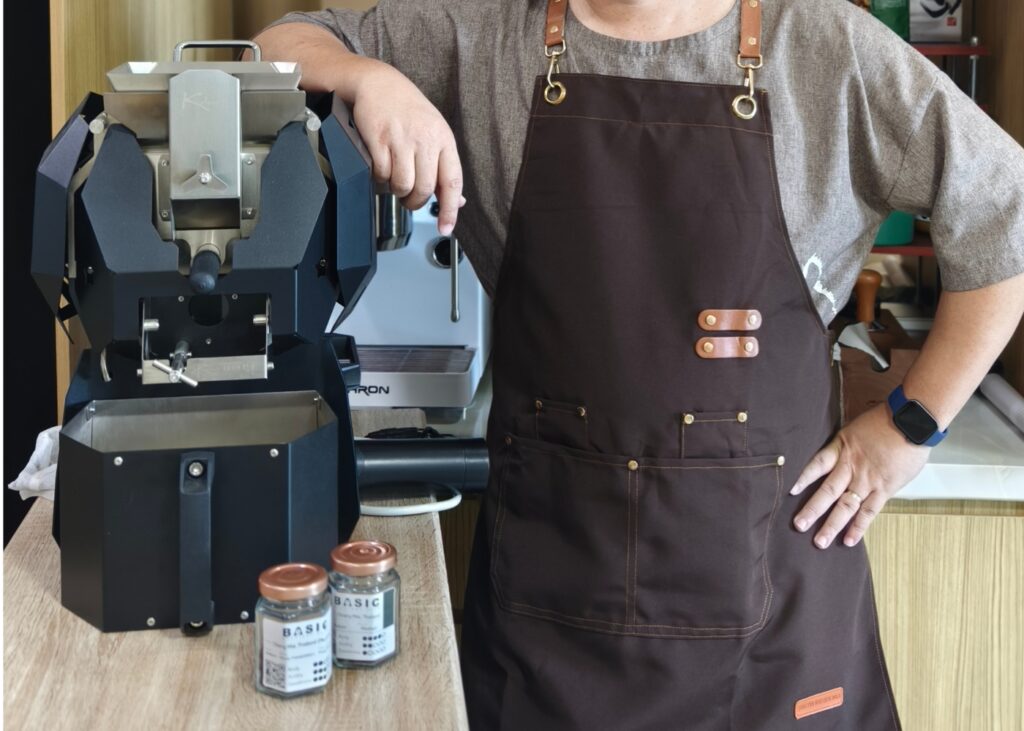
The third reason was auto roasting. The M6 can follow a saved profile on its own, and that sounded useful. But so far I haven’t used it, because I wanted to learn manual roasting first. Controlling bean temperature by hand is more fun, and it taught me how the machine responds to heat and airflow. I still think manual roasting is the best way to understand a bean, so I’m sticking with it for now.
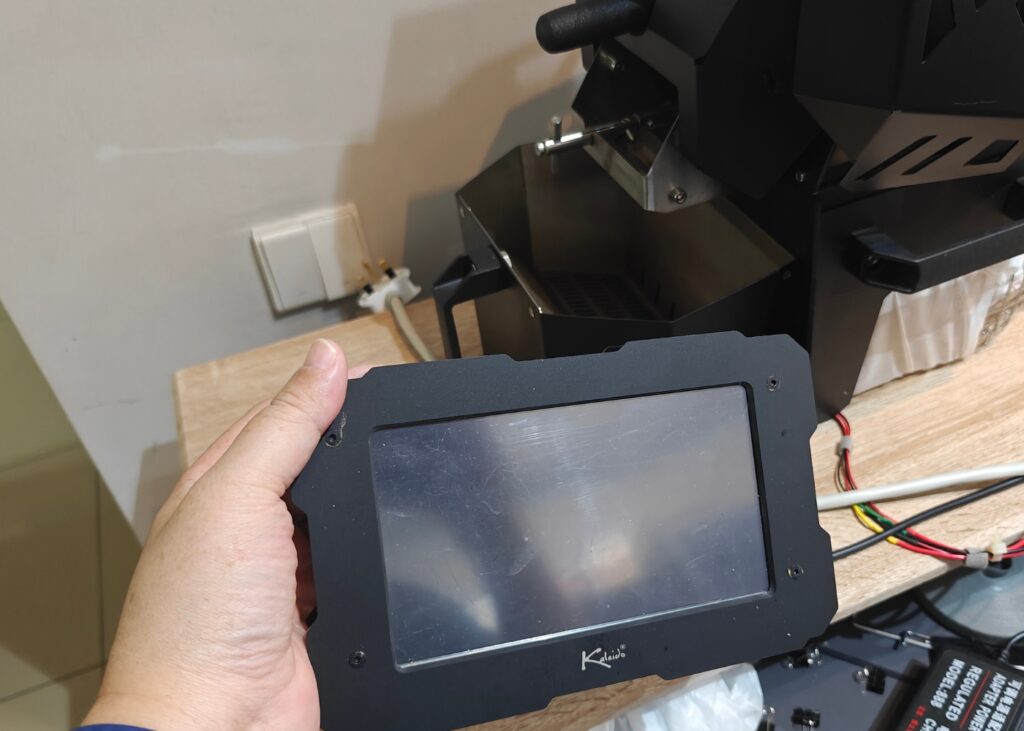
The Tablet Accident
This is the part I’m not proud of. I was careless and dropped the tablet. The USB port that connects it to the roaster was damaged, and after that the tablet wouldn’t turn on properly. For a while I couldn’t control the roaster the way I wanted, which was frustrating.
I contacted Kaleido customer support and explained what happened. They sent me a replacement chip board for the tablet. I didn’t expect that kind of help, and I appreciated it.
I replaced the board myself. It took some care, and I’d be cautious about recommending it to someone who isn’t comfortable opening electronics. But the tablet works again, and the M6 is back in full use.
Lesson learned: Keep the tablet in a safe spot, and treat the USB connection as the fragile part it is.
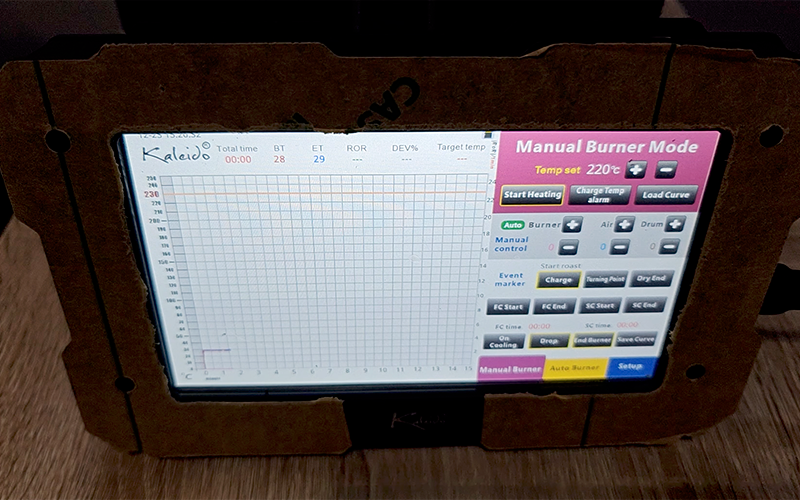
Next Step: Auto Roasting
Now I want to try auto roasting. The idea is simple. If I build a good profile file first, the M6 can follow it the same way each time. That matters because different beans need different profiles. A Thai washed bean, a Brazilian, and a Guatemalan won’t respond the same way, so each one needs its own file.
Before I trust the machine with a profile, I need a few things in place:
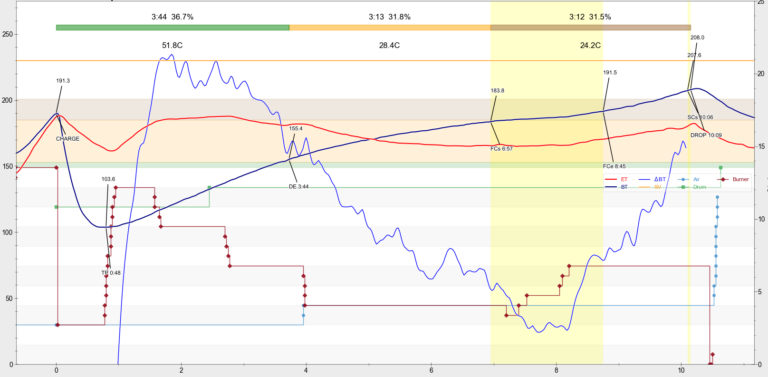
- A reliable baseline for each bean. My manual roasts have given me BT markers for DE, FC, and SC. Those numbers become the backbone of each profile.
- A profile that matches the target roast. For medium, that means drying, Maillard, and development times that fit the roast level I want.
- A test run. I’ll compare the auto roast against a manual one to see how closely the machine follows the file.
Manual roasting taught me to read the beans. Auto roasting should help me repeat what I’ve learned. I’m curious whether the machine can match my hand-controlled roasts, or whether it will expose gaps in my profiles.
So stay with me for the next roast. I’ll share the profile file, the results, and whether auto roasting is worth the time for a home roaster like me.